8 NOV 2024
How to install Windows 11 (2024)
Windows 11 is all about an upgraded look, new features, and performance in the Windows ecosystem. If you are ready to upgrade, here is a complete guide on installing Windows 11 on your PC.
Upgrade from Windows 10 to Windows 11 using these easy steps:
1. System Requirements
Ensure your PC meets the following basic requirements:
Processor: 1 GHz or faster, 64-bit, 2 or more cores
RAM: 4 GB or more
Storage: 64 GB or more
TPM: Version 2.0
UEFI, Secure Boot capable
To verify your PC eligibility, you can also check Microsoft's PC Health Check tool.
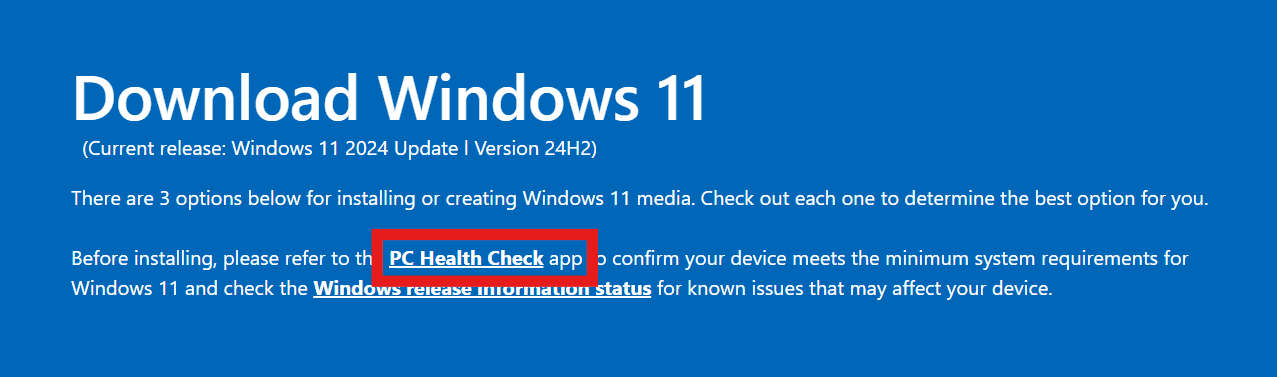
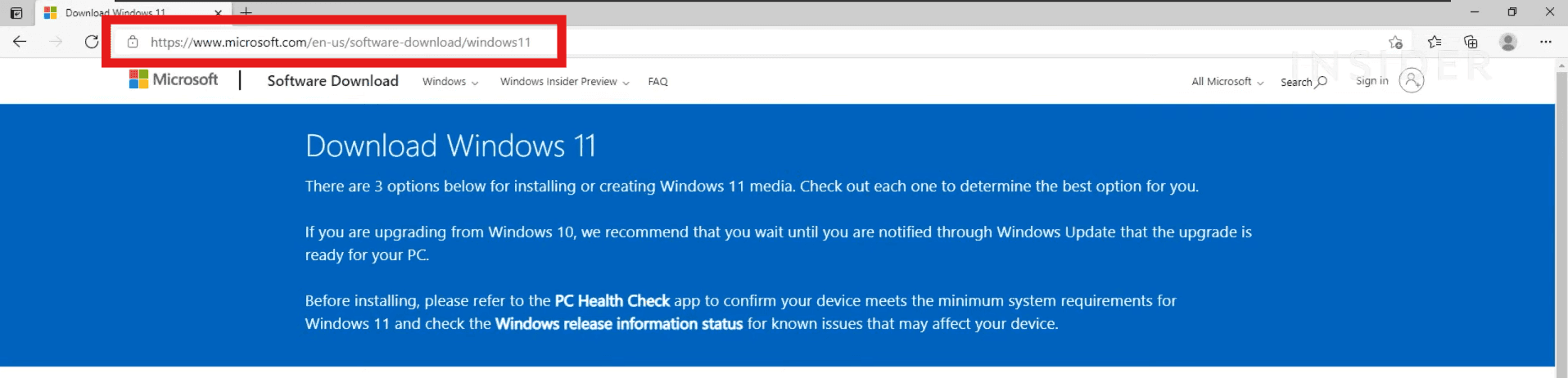
2. Windows 11 Installation Assistant Download
Open the Microsoft Windows 11 download page.
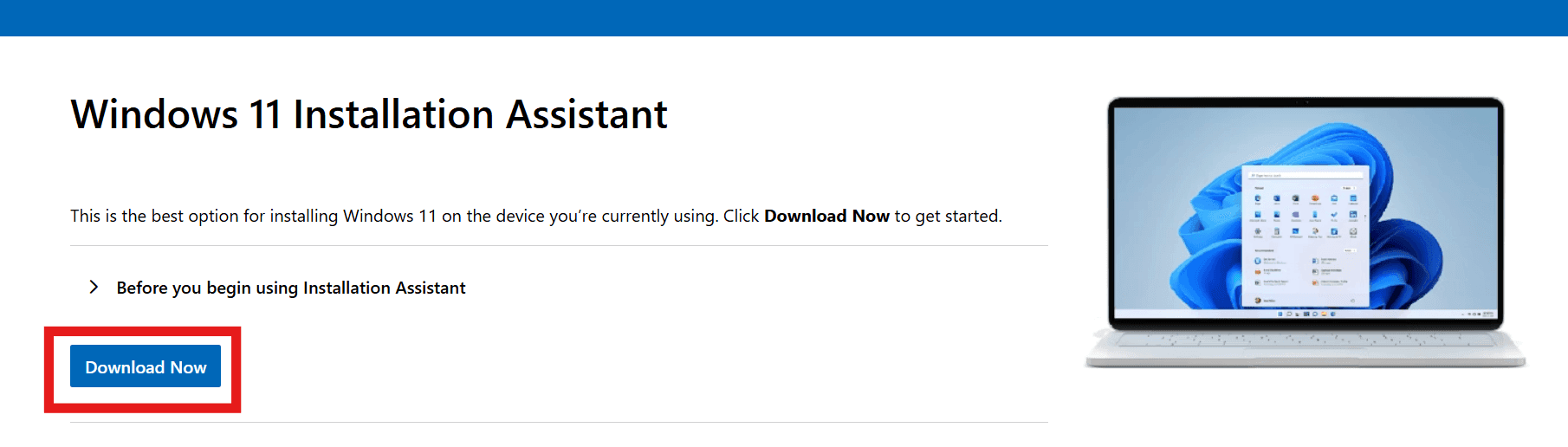
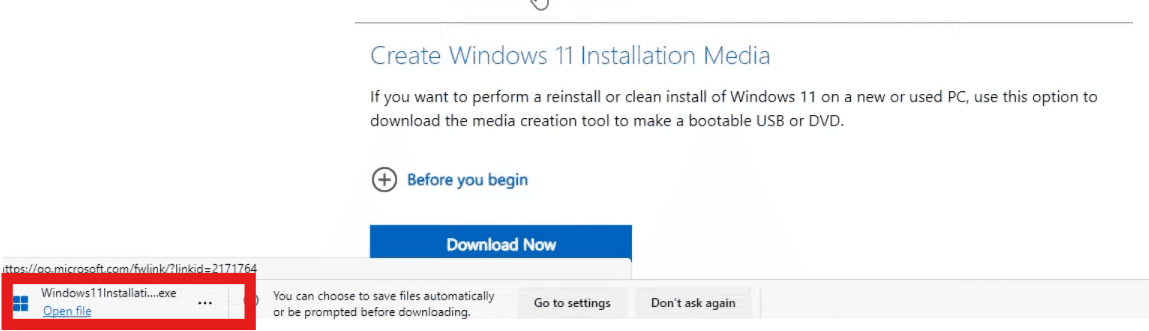
Under the "Windows 11 Installation Assistant" section click on Download Now.
The downloaded file opens into the Installation Assistant
3. Run the Installation Assistant
When the Installation Assistant appears, click Accept and Install to begin the upgrade process.
The Assistant will start downloading and installing Windows 11 on your PC. This may take a few minutes.
Your PC will restart several times during this process. Let the installation continue.
4. Finish Setup

When the installation is complete, follow on-screen instructions to finish setting up your Windows 11 settings as desired, including your language and privacy options.
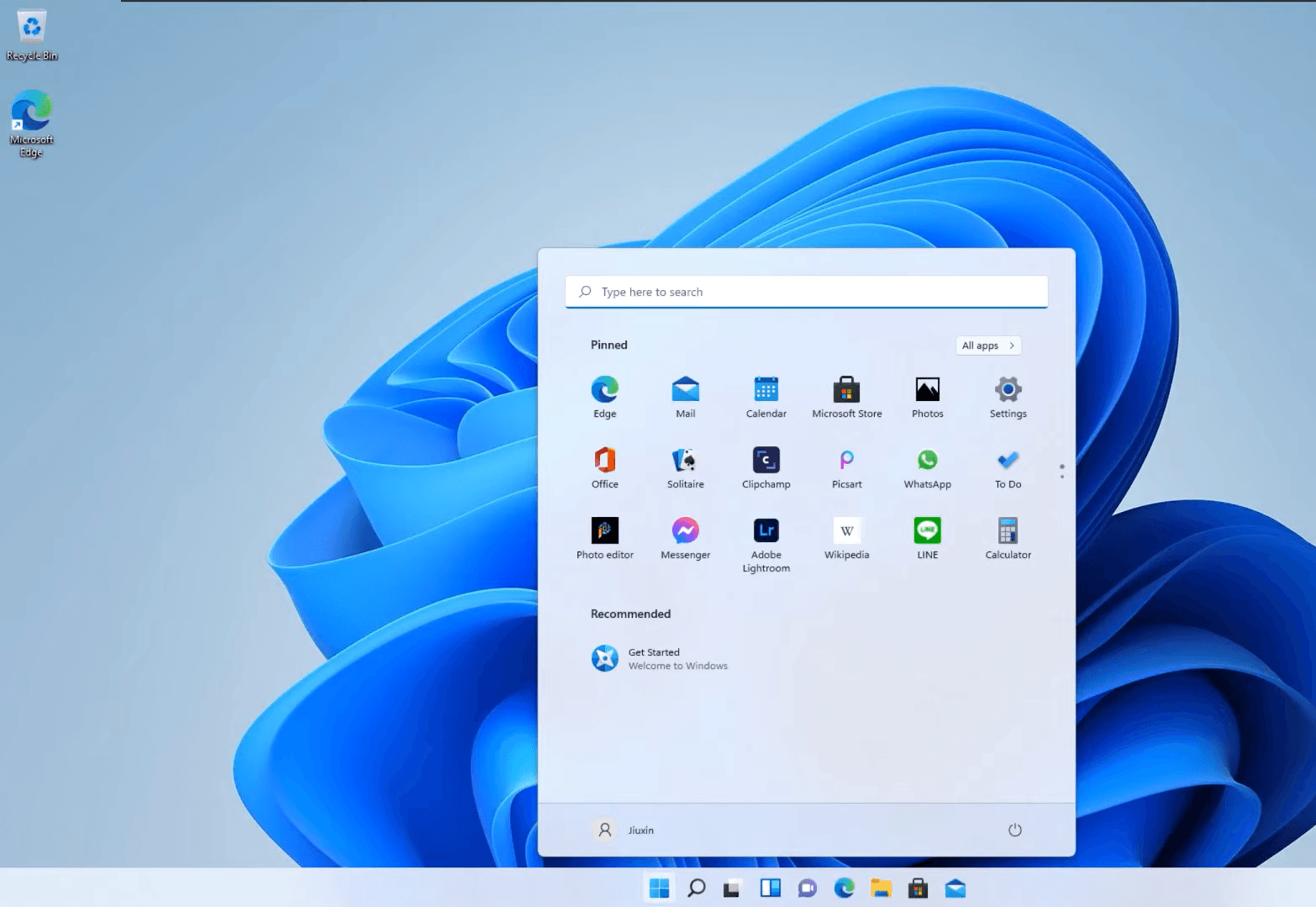
That's it! You have now successfully upgraded from Windows 10 to Windows 11. Now go ahead and start exploring new features. Need help upgrading or troubleshooting? Trust ComputerFixDallas for expert, reliable Windows 11 support!
Newsletter
Get Notified By Our Newsletter
Explore More Blogs
Explore Insights and Repair Tips Here
